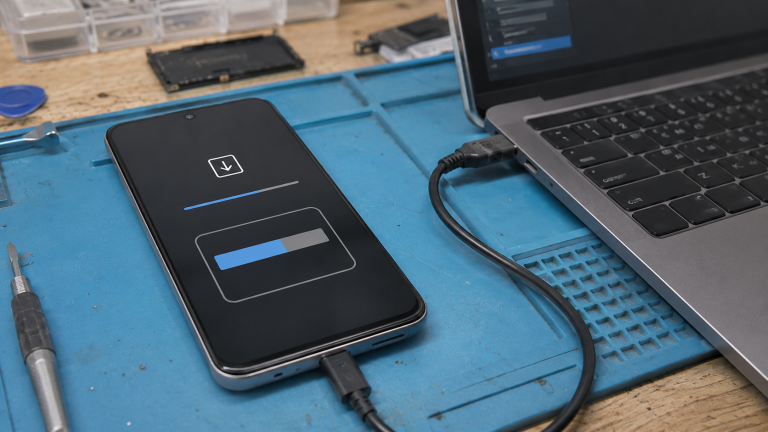
📱 Root Information
Model: E236B
Firmware: E236BXXSDEZA1
Android: 14
Patch: U
Root Method: Magisk
Update: UD
Date: 01-02-2026
⚠️ Disclaimer: We are not responsible for any damage or risk to your device. All firmware files are official Samsung files and are not modified by us. Proceed at your own risk.
🔓 About Rooting Samsung E236B UD
Root your Samsung E236B UD running Android 14 (firmware: E236BXXSDEZA1) using the Magisk patched boot method. This is the safest and most reliable root method for Samsung devices.
- Full root access with Magisk Manager
- Install root-only apps and modifications
- Remove Samsung bloatware and system apps
- Custom kernel and performance tweaks
- Pass SafetyNet with Magisk Hide and Zygisk
- Full backup and restore with root access
🛠️ How to Root
- Download the firmware file E236BXXSDEZA1 from the link above
- Extract the archive and locate the AP file, then extract the boot.img from it
- Install Magisk Manager APK on your E236B
- Open Magisk and tap Install → Select and Patch a File
- Select the extracted boot.img file
- Magisk will create a patched boot file (magisk_patched.img)
- Transfer the patched file to your PC
- Open Odin on your PC
- Boot E236B into Download Mode
- In Odin, load the patched file in the AP slot
- Uncheck Auto Reboot, then click Start
- After completion, reboot manually and open Magisk to verify root
❓ Root FAQ
Will rooting void my warranty?
Rooting may trip the Knox counter on Samsung devices. This is irreversible but does not damage your device.
Rooting may trip the Knox counter on Samsung devices. This is irreversible but does not damage your device.
Can I unroot later?
Yes, you can unroot by flashing the original firmware or using Magisk uninstall.
Yes, you can unroot by flashing the original firmware or using Magisk uninstall.
Will I lose my data?
No, the Magisk patched boot method does not wipe your data.
No, the Magisk patched boot method does not wipe your data.
Is Magisk root safe?
Yes, Magisk is the most popular and trusted root solution used by millions.
Yes, Magisk is the most popular and trusted root solution used by millions.