📱 Device Information
Model: A032M
Firmware: A032MUBS7CZA1
Android: 13
Patch: T
Update: U7
Region: UB
Date: 08-02-2026
⚠️ Disclaimer: We are not responsible for any damage or risk to your device. All firmware files are official Samsung files and are not modified by us. Proceed at your own risk.
🔍 About This Firmware
Official Samsung firmware for Samsung A032M U7 (A032MUBS7CZA1) running Android 13 with security patch level T. This firmware package contains 4 files (BL, AP, CP, HOME_CSC) and can be used to restore, update, unbrick, or prepare your device.
- Restore device to official factory firmware
- Update to the latest Android 13 security patch
- Fix software issues, boot loops, and soft bricks
- Unbrick your Samsung device safely
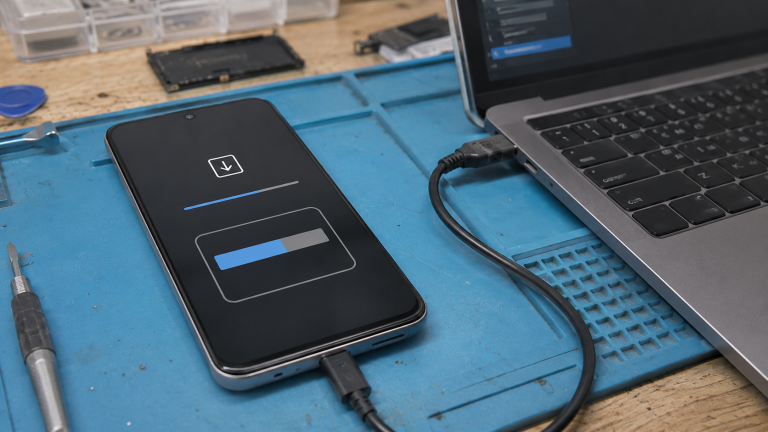
🛠️ How to Flash This Firmware
- Download the firmware files for A032M U7 from the link above
- Extract the downloaded archive – you will find 4 files: BL, AP, CP, HOME_CSC
- Download and open Odin on your Windows PC
- Boot your A032M into Download Mode (Power Off, then hold Vol Down + Power)
- Connect your device to PC via USB cable
- In Odin, load each file in its correct slot: BL slot → BL file, AP slot → AP file, CP slot → CP file, CSC slot → HOME_CSC file
- Click Start and wait for the process to complete
- Your device will reboot automatically – do NOT disconnect during flashing
❓ Frequently Asked Questions
Is this the official Samsung firmware?
Yes, A032MUBS7CZA1 is the official Samsung firmware file for A032M. The files are sourced directly from Samsung servers and are not modified in any way.
Yes, A032MUBS7CZA1 is the official Samsung firmware file for A032M. The files are sourced directly from Samsung servers and are not modified in any way.
Will flashing this erase my data?
Using HOME_CSC preserves your data. If you use regular CSC, it will perform a factory reset. Always back up important files before any firmware operation.
Using HOME_CSC preserves your data. If you use regular CSC, it will perform a factory reset. Always back up important files before any firmware operation.
What are the 4 files?
BL = Bootloader, AP = Android Partition (main firmware), CP = Modem/Radio, HOME_CSC = Consumer Software Customization (keeps data).
BL = Bootloader, AP = Android Partition (main firmware), CP = Modem/Radio, HOME_CSC = Consumer Software Customization (keeps data).
What tool do I need?
You need Odin (Samsung flashing tool) on a Windows PC and a USB cable.
You need Odin (Samsung flashing tool) on a Windows PC and a USB cable.