✅ Key Takeaways
- Device: Samsung S9260 U5 — Region: China (ZH)
- Firmware: S9260ZHS5CZB2 — Android: 16
- Converts China ROM to multi-language ROM
- Enables Arabic, English and all international languages
- Release date: 14-03-2026
- Use HOME_CSC to preserve data
👍 Pros
- Converts China ROM to full multi-language support
- Enables Arabic, English and other languages
- Removes regional restrictions and carrier bloatware
- Stays on official Android 16 with patch B
- HOME_CSC preserves data during conversion
- Device retains full Samsung features and functionality
👎 Cons
- OTA updates may not work correctly after Fix ROM
- Requires Odin and Windows PC
- Regular CSC usage triggers factory reset
- China warranty implications possible
- Must re-apply Fix ROM after any stock flash
🌐 Fix ROM Samsung S9260 U5 (China)
Convert China ROM to Multi-Language | S9260ZHS5CZB2 | Android 16
📱 Fix ROM Information
Model: S9260
Firmware: S9260ZHS5CZB2
Android: 16
Region: China (ZH)
Patch: B
Type: Fix ROM / Multi Language
Date: 14-03-2026
⚠️ Disclaimer: We are not responsible for any damage or risk to your device. All firmware files are official Samsung files and are not modified by us. Proceed at your own risk.
🌐 About Fix ROM for Samsung S9260 U5
This Fix ROM converts your Samsung S9260 U5 China version (region: ZH) to a multi-language ROM, enabling all languages and removing region restrictions. Firmware: S9260ZHS5CZB2, Android 16.
- Convert China ROM to international multi-language ROM
- Enable all languages including Arabic, English and more
- Remove region-specific restrictions and bloatware
- Keep your firmware updated with Android 16 patch B
- Maintain full device functionality and features
- Compatible with Samsung S9260 China variant
🛠️ How to Flash Fix ROM
- Download the Fix ROM files for S9260 U5 from the link above
- Extract all files from the downloaded archive – you will find 4 files: BL, AP, CP, HOME_CSC
- Open Odin on your Windows PC
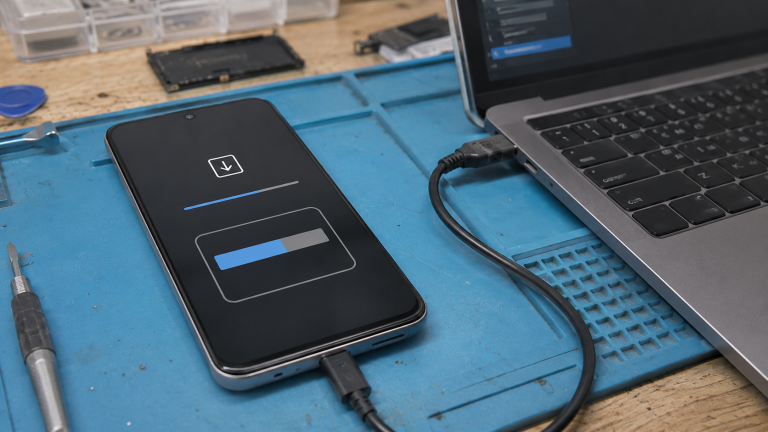
- Boot your S9260 into Download Mode
- Connect device to PC via USB cable
- In Odin, load each file in its correct slot: BL slot → BL file, AP slot → AP file, CP slot → CP file, CSC slot → HOME_CSC file (use HOME_CSC to keep data)
- Click Start and wait for the process to complete
- Device will reboot with full multi-language support enabled
❓ Frequently Asked Questions
🚀 Get Fix ROM Now
Need help? Contact HalabTech Support